
Consistency is the lifeblood of digital marketing, yet keeping a steady stream of content flowing across multiple social channels and blogs remains one of the hardest parts of running a business. Juggling spreadsheets, reminders, and last-minute panic posts drains creative energy and leads to erratic publishing schedules that confuse both audiences and search engines. Implementing content calendar automation is the definitive way to reclaim your time, maintain a polished brand image, and ensure your marketing machine runs smoothly without constant manual intervention.
The Hidden Cost of Manual Content Management
When you manage your blog and social media platforms entirely by hand, you are paying a heavy tax in both time and missed opportunities. Studies show that marketing teams spend upwards of 20 hours a week just organizing assets, drafting captions, and logging into various dashboards to hit publish. This manual grind introduces human error: broken links, typos published at midnight, and long stretches of radio silence when client work or product launches take priority.
Beyond the lost hours, manual posting harms your visibility. Social media algorithms reward accounts that post at peak engagement times, regardless of whether you are stuck in a meeting or asleep. Search engines like Google favor websites that publish fresh, optimized content consistently. When you rely on memory and manual uploads, your momentum inevitably stalls, stunting your organic growth and leaving revenue on the table.
Core Pillars of an Automated Publishing Workflow
Successful automation is not just about queuing up a few tweets for next Tuesday; it requires a structured approach to how your content is planned, created, and distributed. A robust automated workflow rests on three foundational pillars:
- Centralized Planning: A single source of truth where all blog posts, social updates, and newsletters are mapped out by topic and date.
- Template-Driven Creation: Standardized formats for your captions, imagery, and headlines that speed up production without sacrificing quality.
- Multi-Channel Distribution: Smart rules that take a single core piece of content—like an SEO blog—and automatically syndicate optimized snippets to your social channels.
By establishing these pillars, you stop treating every post as a standalone project and start viewing your marketing as a cohesive, self-sustaining ecosystem.
How to Build Your First Automated Content Calendar
Transitioning from manual chaos to a streamlined system does not happen overnight, but you can build a reliable automated engine in four clear steps:
- Audit Your Channels: List every platform where you publish content and identify your highest-converting posting frequencies.
- Batch Your Creation: Dedicate specific blocks of time to write a month's worth of blog posts and social updates in advance, rather than creating content day-to-day.
- Set Up Your Automation Rules: Connect your content repository to an intelligent scheduler that maps out optimal publishing slots based on historical audience engagement.
- Establish Review Checkpoints: Schedule a 15-minute weekly review to check upcoming scheduled posts, update timely promotions, and ensure brand alignment.
Once this workflow is active, your role shifts from a frantic content creator to a strategic director, overseeing an engine that works around the clock.
Scaling Up with AI-Powered Publishing Solutions
While basic scheduling tools let you queue up content in advance, modern marketing demands a deeper level of efficiency. Writing SEO-optimized blog posts, formatting them for CMS platforms, generating engaging social captions, and managing your Google Business Profile updates can still consume valuable hours even with a standard scheduler.
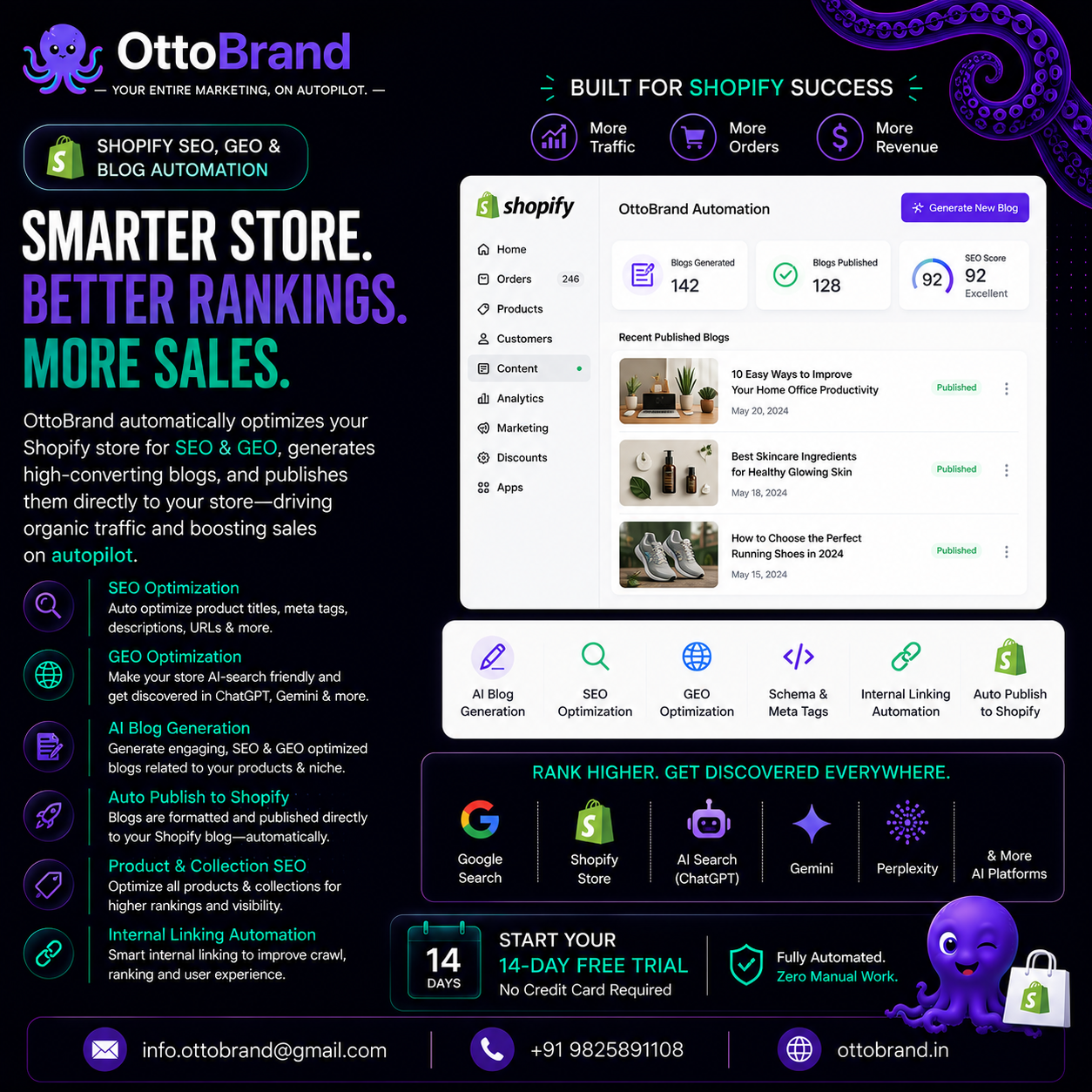
This is where platforms like ottoBrand transform your workflow by automating the entire lifecycle. Instead of manually moving content from a spreadsheet to a scheduler, ottoBrand auto-writes SEO blogs, auto-posts to all major social media networks, fixes on-site SEO issues, and manages your Google Business Profile updates completely on autopilot. By integrating creation and distribution into a single intelligent platform, you eliminate the friction that causes content calendars to fall apart.
Measuring the ROI of Your Automated Calendar
Implementing content calendar automation is an investment in efficiency, and tracking the right metrics ensures it pays off. Look beyond vanity metrics like total posts published and focus on high-impact business outcomes:
- Time Saved: Calculate the hours your team recovers each week by eliminating manual uploads and ad-hoc drafting.
- Consistency Score: Measure your actual publishing frequency against your planned schedule to achieve 100% reliability.
- Engagement Uplift: Compare engagement rates on posts published via automated peak-time slots versus erratic manual posting.
- Organic Traffic Growth: Track the steady climb in search impressions and clicks driven by consistent, automated SEO blog publishing.
When these metrics trend upward, you have proof that your automated system is successfully driving brand awareness and customer acquisition.
Common Pitfalls to Avoid When Automating
Automation is a powerful accelerator, but it can also amplify mistakes if not managed correctly. The most common trap is the "set-and-forget" mentality. Markets change, crises happen, and scheduled posts that feel tone-deaf in a moment of global news can severely damage your brand reputation.
Always maintain human oversight. Review your automated queues regularly, ensure your tone remains authentic and conversational, and never automate customer service interactions where a human touch is required. Treat automation as your tireless assistant, not a replacement for strategic brand thinking.
Conclusion
Mastering content calendar automation is the watershed moment for businesses moving from chaotic marketing efforts to predictable, scalable growth. By removing the daily friction of content creation and publishing, you free up the mental bandwidth needed to focus on product development, customer relationships, and high-level strategy. Embrace automated workflows today, and never let a missed posting deadline hold back your business growth again.