
Writing an authoritative, well-researched article takes hours of focused effort. Yet most businesses hit "Publish," share a single link across their social feeds, and move on. Learning how to repurpose blog content changes this dynamic, turning a single high-value article into a week or more of engaging, native social content without doubling your workload.
The "Content Atomization" Strategy
Content atomization is the practice of breaking down a large, comprehensive content asset (like a 1,500-word blog post) into smaller, platform-specific micro-assets. Instead of treating your blog post as a single promotional event, view it as a source library containing data points, arguments, actionable frameworks, and quotes.
When you atomize your content, you respect the context of each platform. Dropping raw links on LinkedIn, X, or Facebook rarely generates engagement because social algorithms actively suppress posts that push users off-platform. By converting your key points into native social posts, you build platform engagement while pulling your most curious followers back to the full article.
10 Native Social Posts Hidden Inside Every Blog Post
Here is a battle-tested blueprint to extract ten distinct social media posts from your next long-form article:
1. The Standalone Key Takeaway (The "TL;DR")
Summarize the core thesis of your post in two to three sharp sentences. State the common misconception, provide your counter-perspective, and share the primary lesson. This works exceptionally well on LinkedIn and X because it provides immediate standalone value without requiring a click.
2. The Step-by-Step Educational Carousel
Take any sub-section of your blog that outlines a process or tutorial and convert it into a 5-to-8 slide carousel for Instagram or LinkedIn. Each slide should contain one step, limited to 30 words or fewer, paired with high-contrast text.
3. The Data or Statistic Highlight
If your article references an industry benchmark, survey, or internal metric, spotlight it. Pair the statistic with a brief analysis explaining what that number means for your reader's daily operations. Numbers stop the scroll and establish immediate authority.
4. The Contrarian Take
Every compelling blog post takes a stand against an outdated practice. Pull that argument out and frame it as an opening hook: "Most marketers think [X] is the best approach. Here is why doing [Y] delivers twice the results." This format generates discussion and drives comments.
5. The Visual Quote Card
Identify your most punchy, memorable sentence—the one that crystallizes your perspective. Place it on a clean background featuring your brand colors and publish it as an image post on platforms like Instagram, Facebook, and LinkedIn.
6. The Direct Problem-Solution Breakdown
Structure a post around a specific pain point addressed in your article:
- The Problem: Describe the bottleneck your audience faces.
- The Mistake: Explain what most teams try that fails.
- The Fix: Provide the solution detailed in your blog post.
7. The Curated Resource List
If your article mentions tools, templates, or best practices, compile them into a bulleted checklist. Audiences love actionable lists because they are easy to bookmark, share, and reference later.
8. The Q&A / FAQ Teaser
Take one question from your article's FAQ or sub-headers and present it directly to your audience. Provide a concise answer in the post, then prompt your followers: "How are you handling this in your business?"
9. The Micro-Case Study
Pull out any practical example, client anecdote, or personal story used in the post. Focus on the transformation: what the starting scenario looked like, what action was implemented, and the measurable outcome achieved.
10. The Audience Poll
Convert an open debate or tactical choice from your article into an interactive poll on LinkedIn or X. Follow up in the comments with insights from your blog post to sustain engagement.
Content Mapping: Matching Formats to Social Channels
Not every post type fits every social network. Use this matrix to match your repurposed assets to the channels where they perform best:
| Post Type | Ideal Channels | Primary Goal |
|---|---|---|
| Educational Carousel | LinkedIn, Instagram | Saves, High Dwell Time |
| Contrarian Hook | X, LinkedIn, Threads | Comments, Shares |
| Stat Spotlight | LinkedIn, Facebook, X | Credibility, Brand Awareness |
| Curated Checklist | X, LinkedIn, Pinterest | Bookmarks, Reposts |
| Interactive Poll | LinkedIn, X | Engagement, Audience Research |
How to Automate Your Distribution Workflow
Manually reformatting, writing hooks, creating graphics, and scheduling 10 individual posts for every blog you publish can quickly consume hours. This is where modern marketing automation makes a measurable difference.
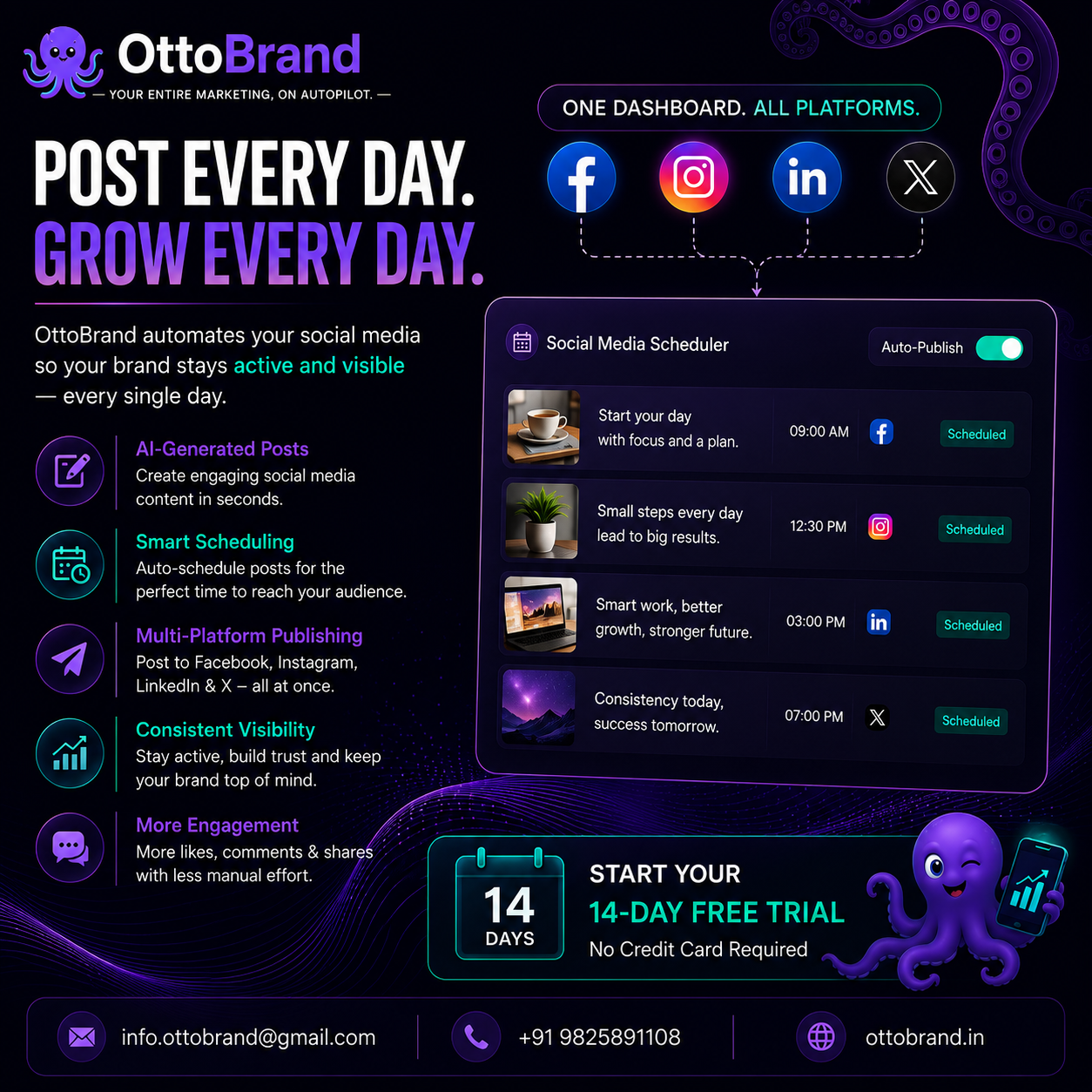
Instead of manually extracting snippets, tools like ottoBrand streamline the entire workflow. ottoBrand automatically analyzes your published content, drafts platform-native social updates tailored to your brand voice, and schedules them across your social channels on autopilot. By automating these repetitive distribution tasks, your team maintains a consistent omnichannel presence without sacrificing time spent on core business operations.
3 Common Repurposing Mistakes to Avoid
To ensure your repurposed assets drive real business results, steer clear of these frequent errors:
- Lazy Link Dumping: Sharing an automated title with a raw link signals low effort to both the algorithm and your audience. Always extract the insight directly into the post text.
- Ignoring Native Culture: A post formatted for LinkedIn will look out of place on Instagram or X. Tailor line breaks, tone, and visual elements to suit each specific network.
- Forgetting Attribution: Add a comment or soft call-to-action directing readers who want a deeper dive to the full article on your site, ideally using clean UTM tracking links to measure traffic accurately.
Maximize Every Word You Publish
Creating high-quality content demands significant resources. If you only publish an article once, you leave the vast majority of its potential value unrealized. By breaking your articles into diverse social formats—and using automation tools like ottoBrand to handle the heavy lifting—you multiply your audience reach, earn more backlinks, and drive sustained organic traffic week after week.